mingspace-hero-bg
OEM / ODM REMOTE CONTROL DEVELOPMENT

Custom Remote Control Development

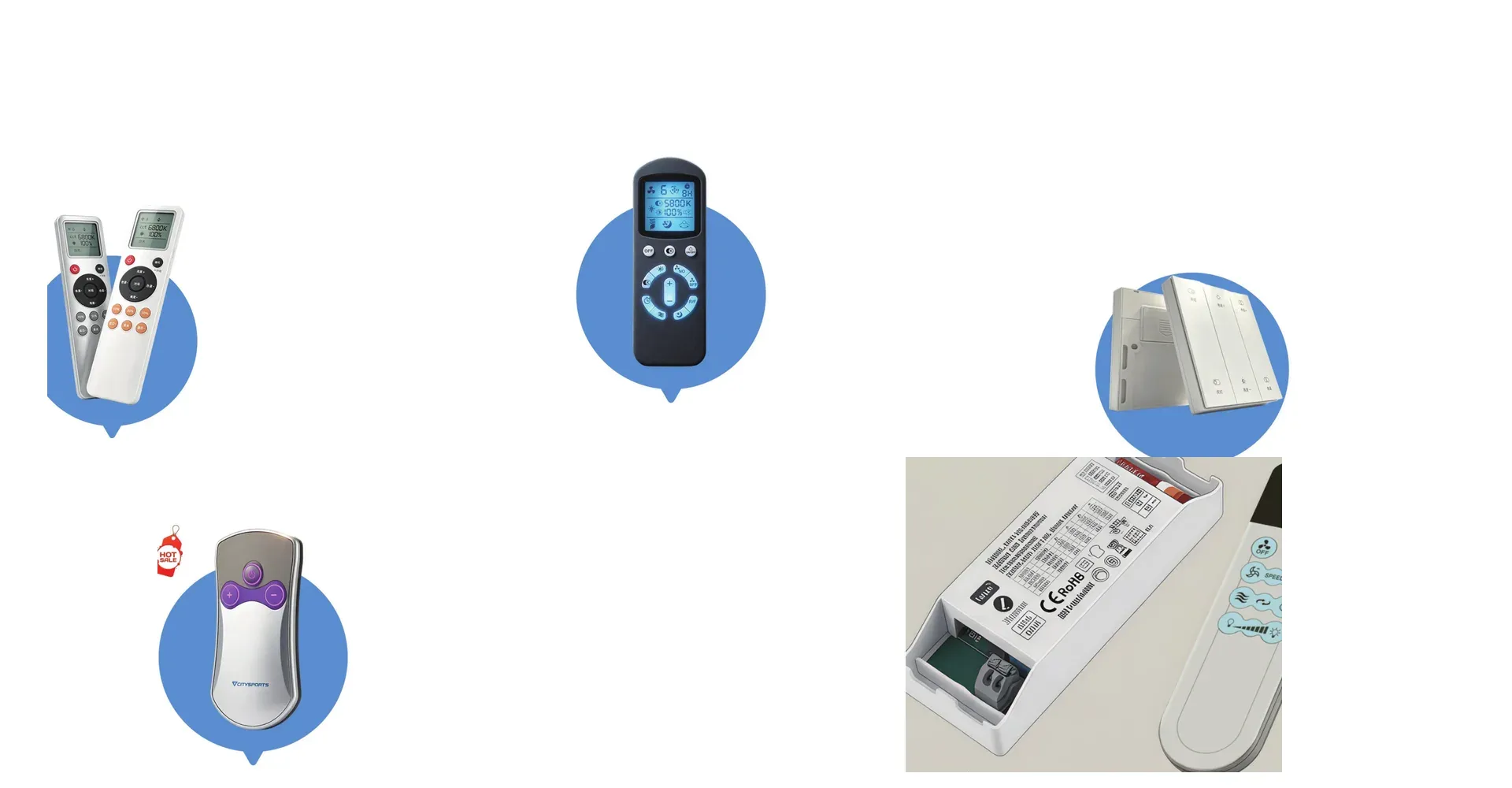
Use an existing Hobyte remote platform, modify an existing design, or develop a new remote around your product, receiver and control requirements. Housing, PCB, MCU, firmware, IR/RF/2.4GHz communication, LCD, key layouts and production support can be evaluated as part of the same project.
PROJECT OPTIONS

Three Ways to Start Your Remote Control Project

You do not need to start from a blank design. The right development path depends on what you already have and what needs to change.

A1

Use an Existing Hobyte Platform

Start with an existing Hobyte housing and adapt the PCB, key functions, artwork and communication solution around your project. Best when: an existing housing is suitable; key count is close to your requirement; faster evaluation is preferred.

Browse Existing Remote Controls
B2

Modify an Existing Remote

Send us your current remote, photos, function list or receiver information so we can evaluate what can be retained and what needs to be redesigned. Best when: you already have a remote; the receiver or protocol already exists; you need function, appearance or PCB changes.

Discuss a Replacement or Modification
C3

Develop a New Remote

Develop a new remote around your industrial design, receiver, control logic and production requirements. Best when: the product needs a unique appearance; existing housings do not fit; new PCB / LCD / structure is required.

Start a New Project
factory-img

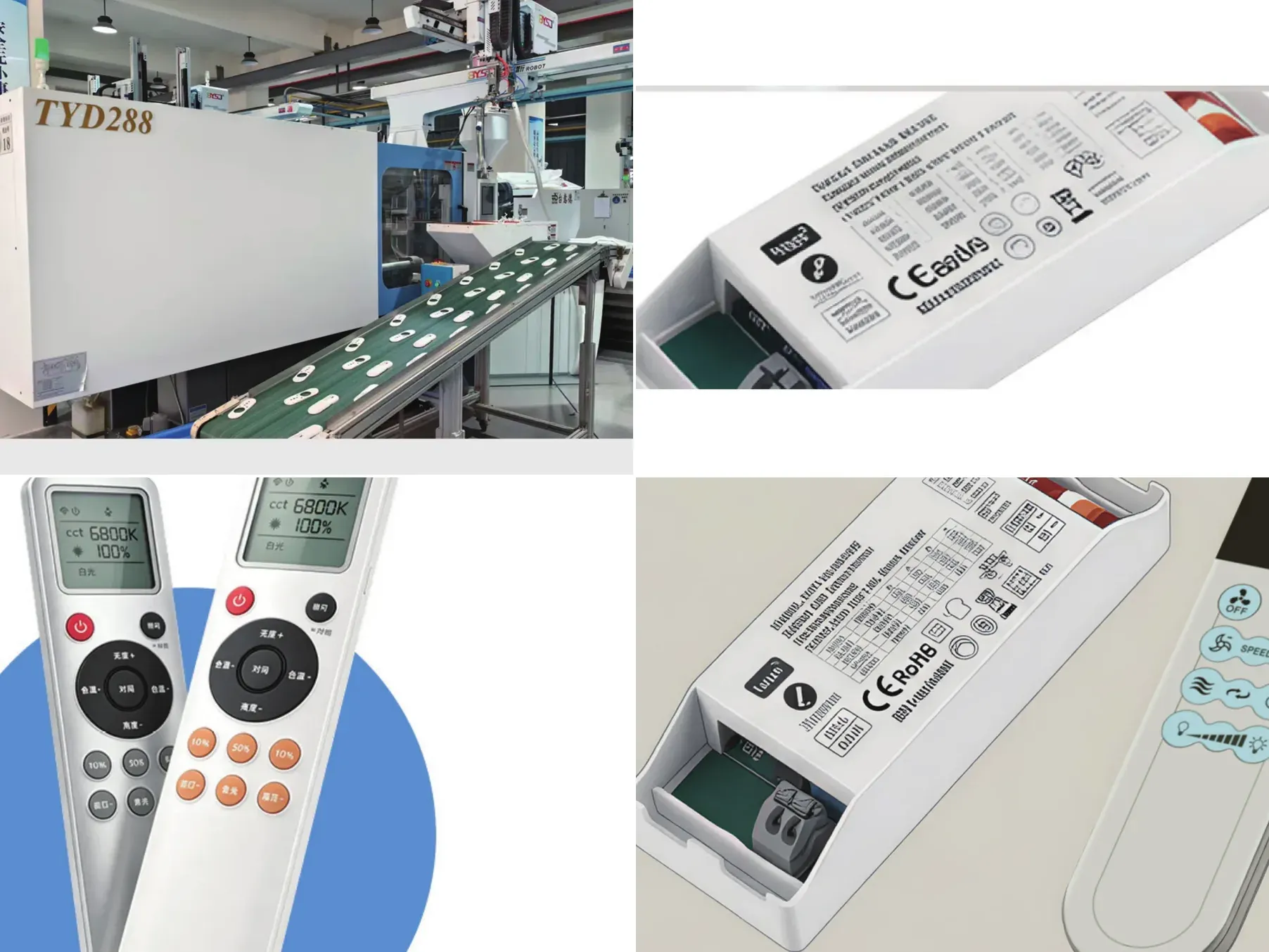
HOUSING & STRUCTURE

Housing & Structural Development

The enclosure can start from an existing remote platform or be developed around your product's industrial design and mechanical requirements.

Use existing housing

Modify key layout or artwork where feasible

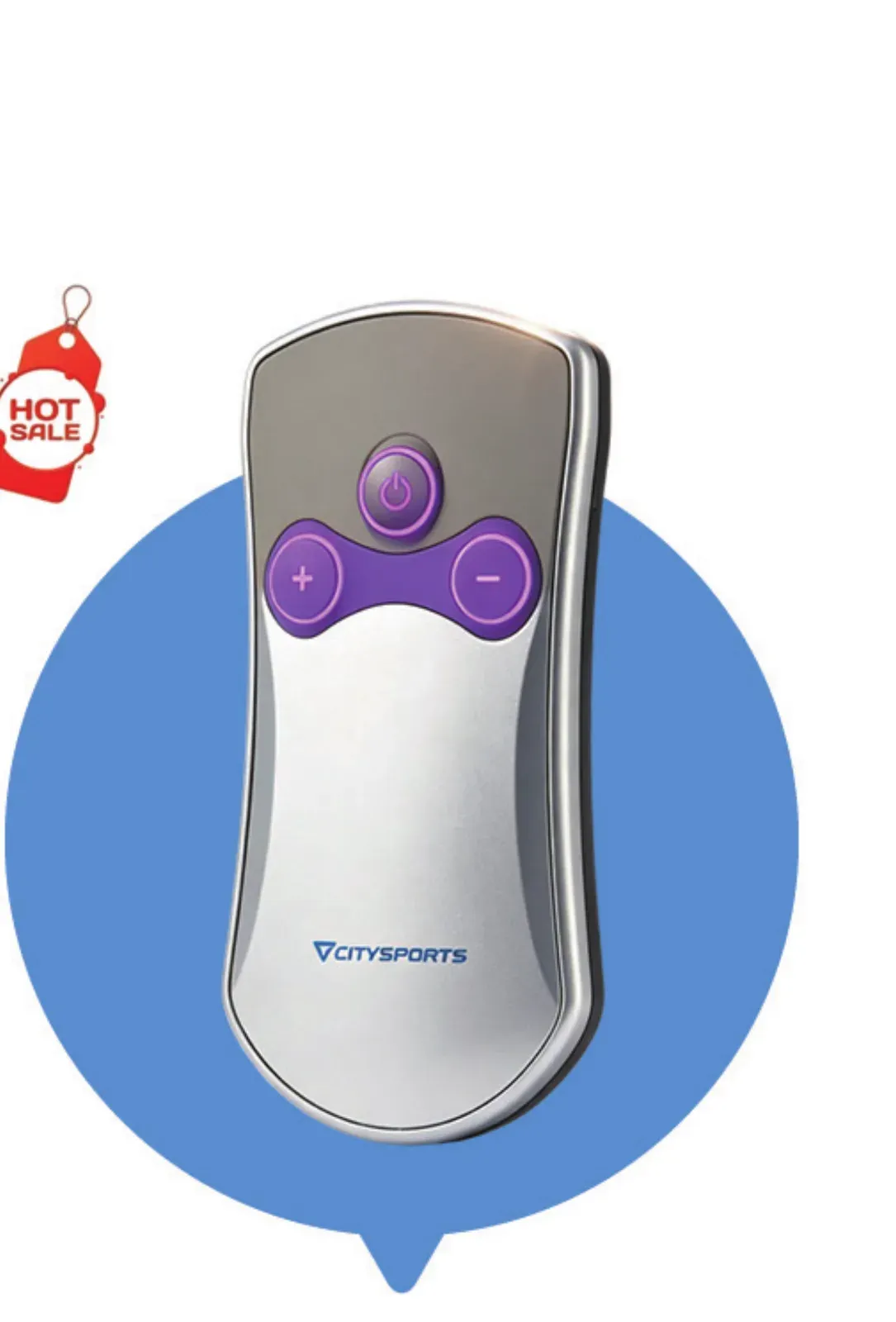
Evaluate wall-mounted or handheld formats

Develop new structure when existing platforms do not fit

Confirm battery, charging, LCD and PCB space

Review IR transmission requirements when the housing needs an IR window

Housing Questions

Q11

Can the same housing support different communication protocols?

Yes, in many projects the same housing can be adapted to different communication solutions by changing the PCB, MCU and related components. Physical constraints still need to be checked - for example, a housing without a suitable IR transmission window may not support infrared without structural modification.

Q22

When do we need a new housing or mold?

A new structure may be required when existing housings cannot meet the size, appearance, key layout, LCD, battery or internal PCB requirements.

PCB, MCU & Firmware Development

The control electronics are developed around the required key functions, receiver, protocol, display and power architecture.

011

PCB

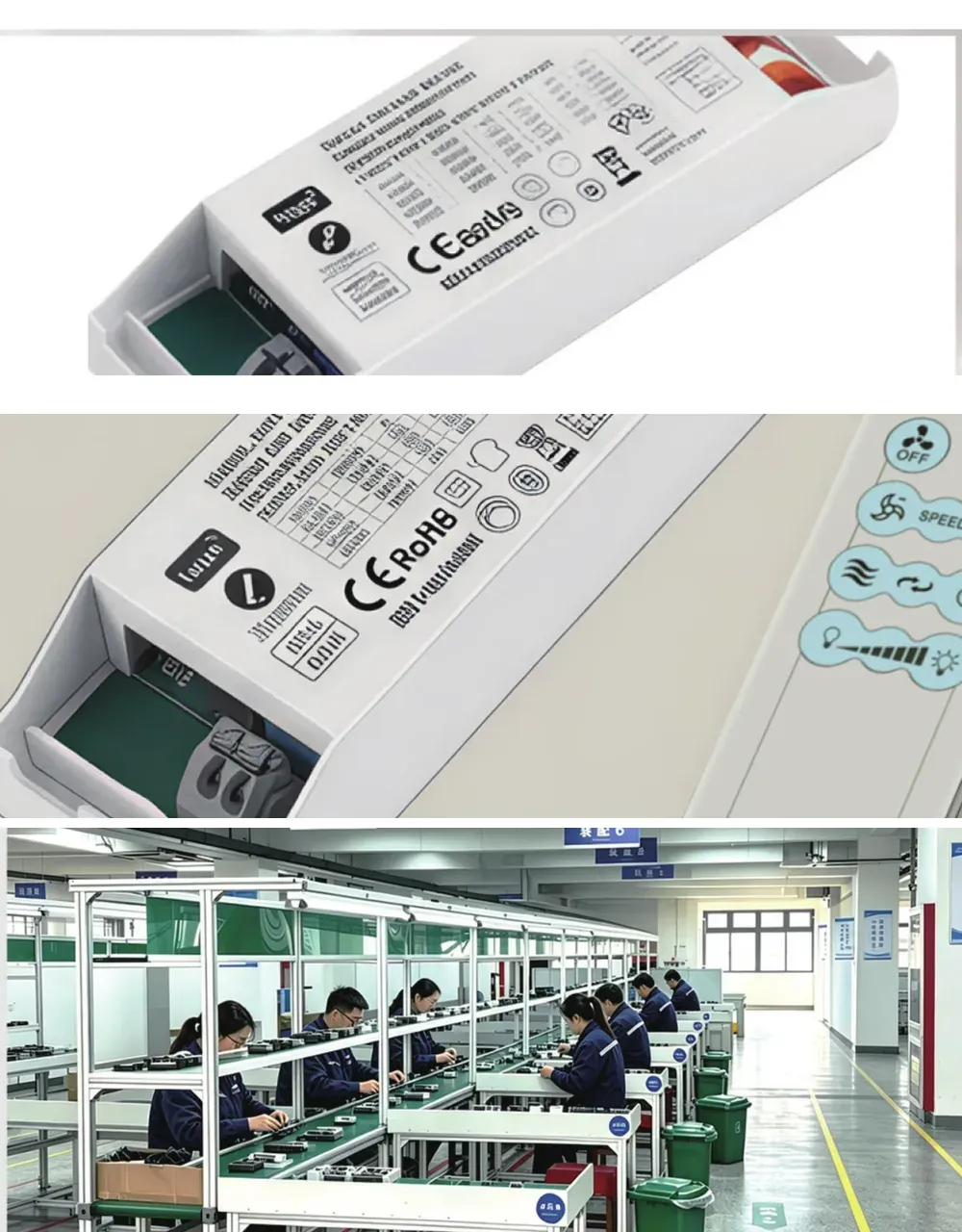
Key matrix; indicator LEDs; battery and power; LCD interface; RF / IR circuit.

022

MCU

I/O requirements; memory; communication; display drive; project-specific selection.

033

Firmware

Key functions; pairing; timing; status logic; receiver interaction. The firmware cooperation model is confirmed during technical review.

COMMUNICATION

Protocol & Receiver Compatibility

The remote cannot be evaluated in isolation. Communication method, receiver hardware and control logic must be reviewed together.

IR1

Infrared (IR)

Typical use: point-to-point control for appliances and set-top devices. Receiver requirement: IR receiver on the controlled device with line of sight. Key consideration: IR window placement in the housing and transmission angle.

RF2

RF 315 / 433MHz

Typical use: through-wall control for fans, lighting and industrial equipment. Receiver requirement: matched RF receiver module. Key consideration: frequency selection for the target market and pairing management.

2.4G1

2.4GHz

Typical use: two-way communication with status feedback. Receiver requirement: 2.4GHz receiver or connected module. Key consideration: pairing, antenna space and power consumption.

BLE2

Bluetooth / BLE

Typical use: app-connected and smart device control. Receiver requirement: BLE-capable module on the device. Key consideration: module selection, certification and mobile integration.

Receiver Compatibility Questions

Q11

Can you match our existing receiver?

Yes, in many projects we can evaluate compatibility with an existing receiver, but we need receiver or protocol information before confirming the solution.

Q22

What should we provide?

Existing remote; receiver sample; PCB photos; protocol information; frequency; MCU / IC information if available; function list.

lcd-appliance

LCD, Key Layout & Branding

Display, key layout and branding decisions are made together with the PCB and housing design.

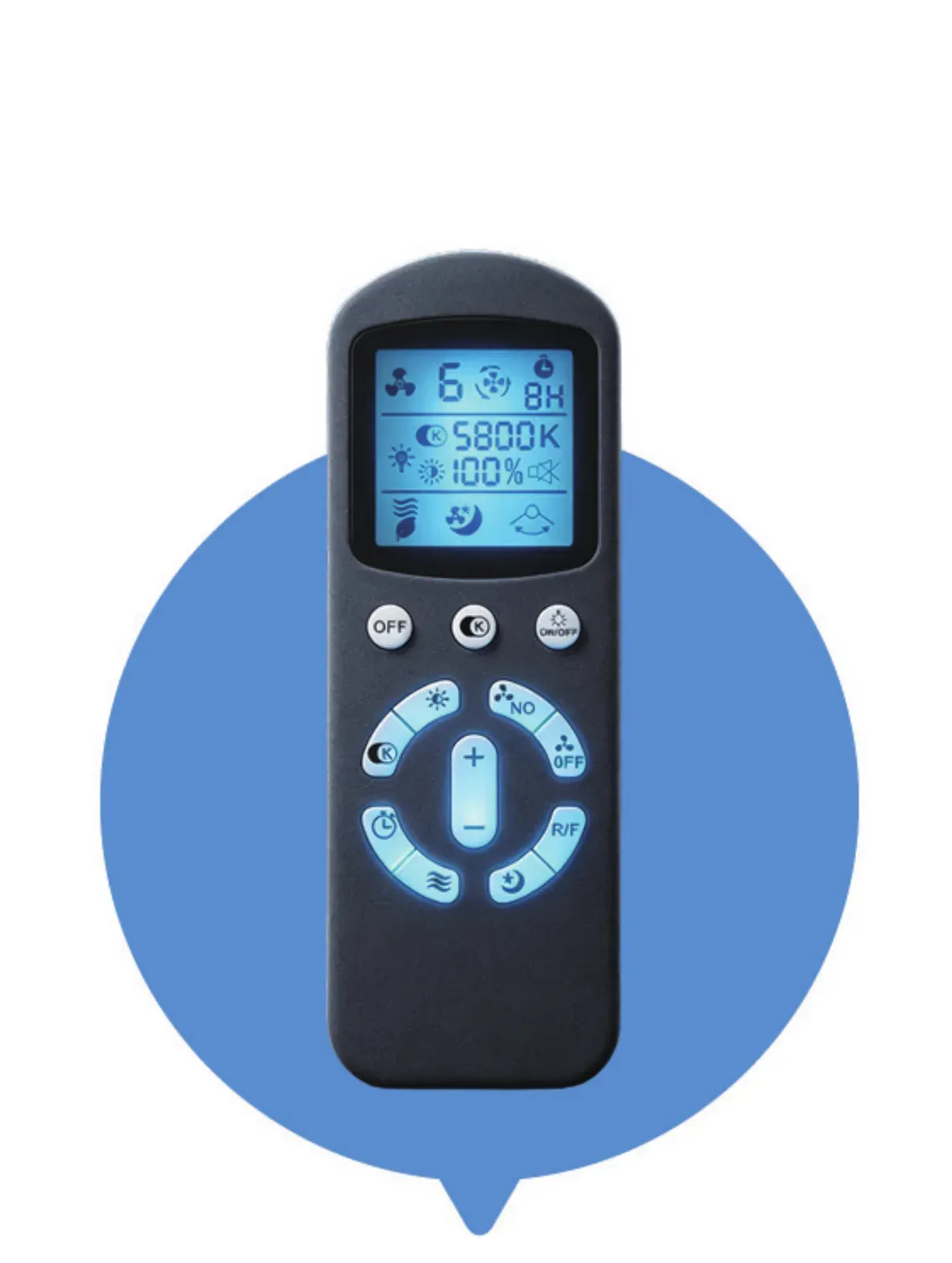
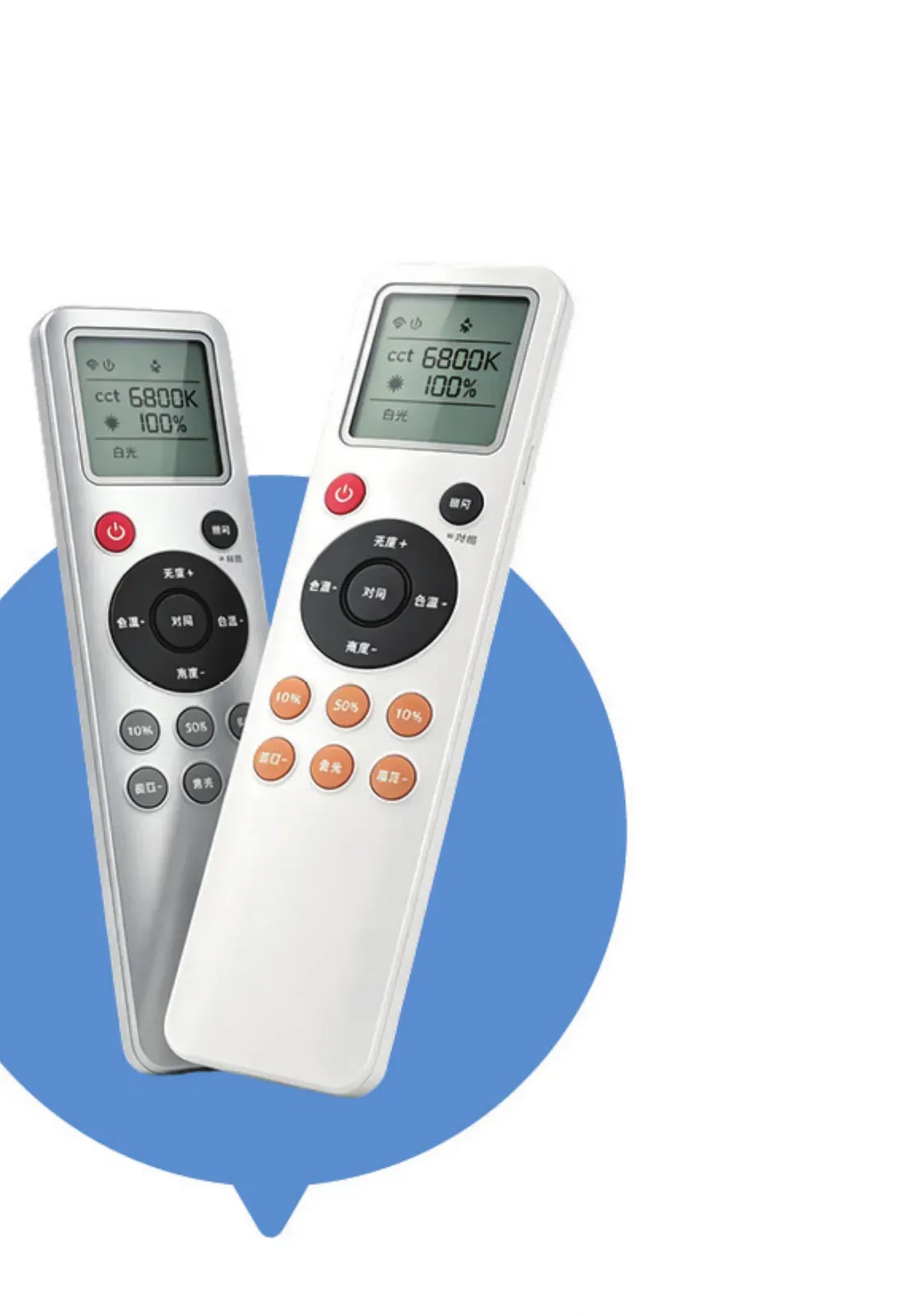
LCD

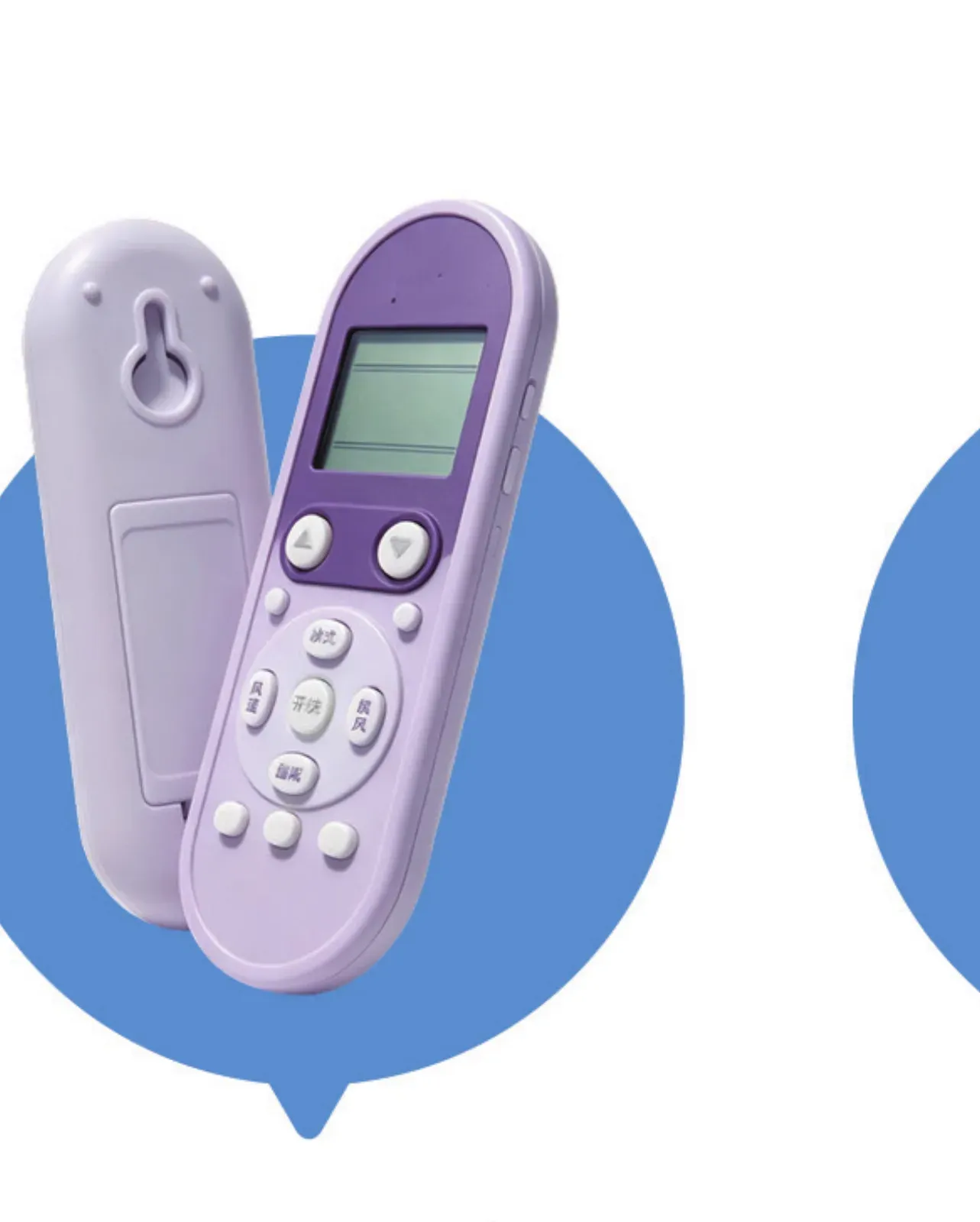
Custom segment layout, status icons, digits, backlight requirements and drive requirements.

Key Layout

Number of keys, function mapping, icons and key labels.

Branding

Logo, silk-screen artwork, housing color and packaging artwork where applicable.

Prototype, Validation & Production

A custom project should be validated before it reaches mass production.

011

Prototype

Confirm housing, key layout and basic function.

022

Validation

Verify communication, receiver matching and required functions.

033

Production

Move the approved design into repeatable assembly and manufacturing.

family-img

PROJECT INPUT

What Do We Need From You?

You do not need all of these items. The more information you have, the faster we can determine the right development path.

Product / application

Existing remote or reference sample

Remote photos

Number of keys

Function list

Receiver information

Communication method if known

Frequency if known

LCD requirements

Housing or industrial design requirements

Estimated quantity

Target market

Certification requirements

Start From Any Level of Information

LEVEL 11

A Photo or an Old Remote

You only have: a photo, an old remote or basic functions. Result: enough for an initial evaluation.

LEVEL 22

Receiver or Protocol Information

You also have: receiver information, a PCB photo, or protocol / frequency. Result: better for technical feasibility review.

LEVEL 33

Drawings and Engineering Data

You have: drawings, schematic, protocol, function table or certification target. Result: suitable for detailed engineering evaluation.

DEVELOPMENT PROCESS

Development Process

011

Send Requirements

Share what you have - a remote, photos, a function list or receiver information.

022

Technical Evaluation

We review feasibility, communication and housing options.

033

Design & Engineering

PCB, key layout, artwork and structure are designed.

041

Prototype & Testing

Samples confirm function, pairing and fit.

052

Confirmation

Drawings, sample and production plan are approved.

063

Mass Production

The approved design moves into repeatable manufacturing.

FAQ

Common Questions About Custom Remote Development

Our sales team will review your requirements and reply as soon as possible.

RESOURCES

Related Resources

Deeper reading on the customization process, protocols and compliance.

011

OEM Remote Customization: The 6-Step Process

How a customization project moves from requirements to mass production.

Read the article
022

Remote Control Protocol Guide: 2.4GHz, Bluetooth, RF 433

Compare communication options and receiver requirements.

Read the article
033

Compliance Basics: FCC, CE, RoHS, UL 4200A

Certification and compliance points to plan before production.

Read the article

START YOUR PROJECT

Send Us Your Remote Control Requirements

An old remote, product photo, function list or receiver information is enough to start an initial technical review.

Phone
+86 181 6087 8681
Office
Wei'er Road, Jinji Industrial Park, Tianchang, Anhui, China
Hours
Mon-Fri 8:00-18:00 GMT+8

Inquiry intake

Send the details

Share a few details about your request so we can send a useful reply.

0/120
0/1200